
Step 1
Install Yambuck
Run the command above once to install Yambuck on your machine.
Yambuck is a GUI installer for Linux software. Instead of distro-specific app stores and package formats, it gives users one consistent install experience across distros.
Install Yambuck once, then open .yambuck packages with a simple guided installer.
curl --proto '=https' --tlsv1.2 -sSf https://yambuck.com/install.sh | bash
Yambuck is in alpha preview. Core flows work, with ongoing reliability improvements.
Need to remove Yambuck later? Uninstall instructions.
Step 1
Run the command above once to install Yambuck on your machine.
Step 2
Download a demo .yambuck file to try the install experience.
Step 3
Open the downloaded .yambuck file and complete the guided installer steps.
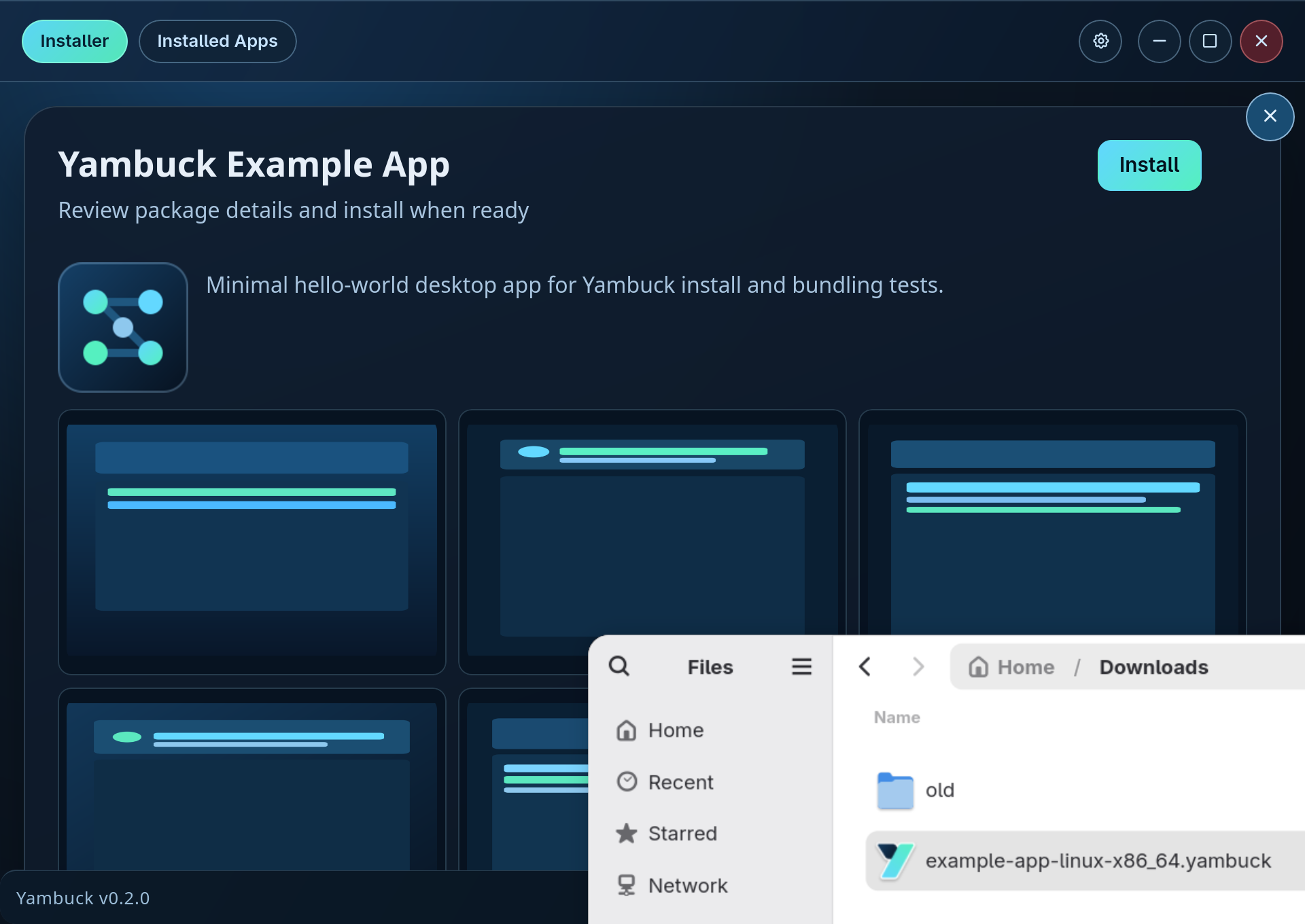
Installer preview
Package once. Distribute directly. Let users install with a familiar GUI flow.
Trying Yambuck in alpha? Share feedback and issues on GitHub Issues.